How to Enhance & Expand Prompts When Using My Custom GPT
Get bigger, better, more detailed results from your AI
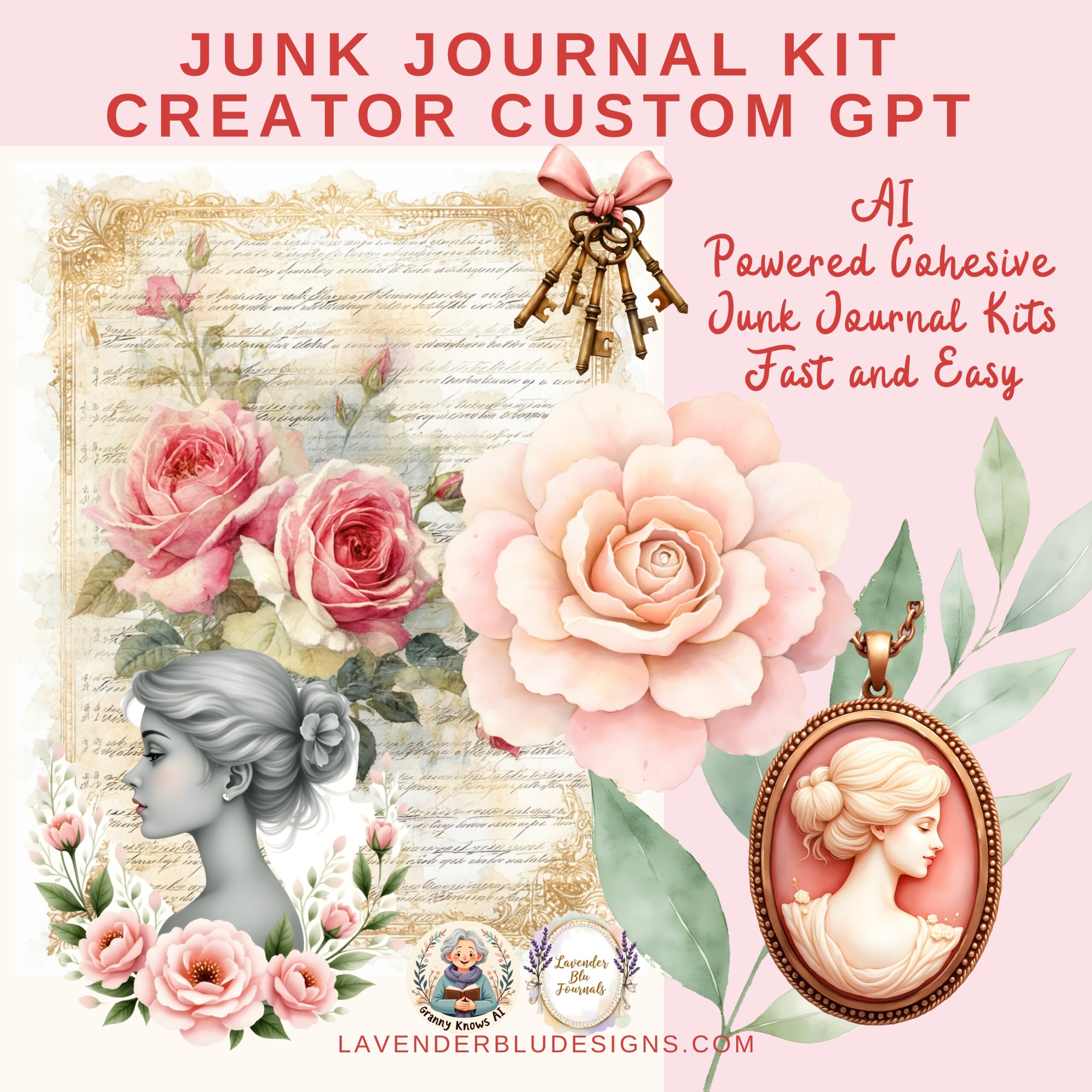
One of the most magical things about using my custom GPTs — like the Junk Journal Kit Creator GPT and the Mini Muse — is how flexible they are.
You don’t just enter a prompt… you can grow it, shape it, expand it, and enhance it to get even more detailed results.
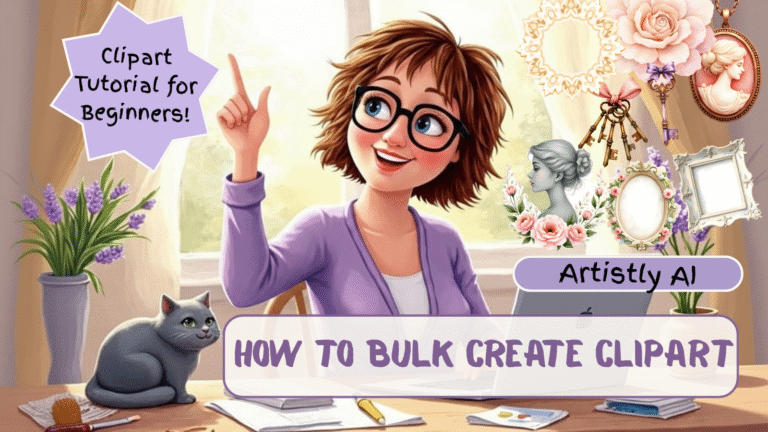
In today’s video on Granny Knows AI, I show you exactly how to talk to the GPT to get:
✔ richer prompts
✔ longer descriptions
✔ more elements
✔ deeper detail
✔ different variations
✔ improved structure
✔ full themed kits from a tiny idea
This tutorial is perfect for beginners who aren’t quite sure what to ask — and seniors who want reassurance that they can simply ask for more.
💡 Why Enhancing Prompts Matters
AI only gives you results based on what it understands.
If you feel your output is too simple, too short, or missing detail… you can literally just ask for more!
Examples include:
- “expand this”
- “add more detail”
- “add more ephemera types”
- “make this more vintage”
- “enhance with color palette details”
- “turn this into 10 variations”
- “add clipart prompts too”
Once you know how to ask, you open up a whole new level of creativity.
🌼 What You’ll See in the Tutorial
✔ How to take a short prompt and make it a full, rich design prompt
I show you exactly what to type, and I demonstrate the result.
✔ How to ask the GPT to include more types of ephemera
Tags, pockets, tickets, labels, envelopes, stamps, journaling cards — it can generate prompts for all of them.
✔ How to ask for additional themed variations
Perfect for creating matching add-ons for your printable kits.
✔ How to take a simple theme and turn it into a full kit
I show you how to ask for:
- background pages
- clipart
- patterns
- motifs
- ephemera
- extra mini add-ons
✔ How to get your GPT to generate Artistly-ready prompts
This is HUGE for speed and consistency.
💜 Who This Video Is For
This tutorial is perfect for:
- beginners who want clarity
- seniors who want straightforward guidance
- printable sellers (Etsy + Ko-fi)
- junk journal designers
- crafters who want more detailed AI results
- anyone who wants to level up their AI prompting
No jargon. No complicated terminology. Just simple, warm instruction.
🎀 Watch the Full Tutorial Here:
💜 Helpful Links & Resources
(Automatically included in every blog post)
🎀 Try the Free Mini Muse Journal Kit Creator GPT:
https://tinyurl.com/2tr997wv
🎀 Digital Designer’s Club on Ko-fi (Full GPT FREE):
https://tinyurl.com/2smmszvv
Junk Journal Kit Creator GPT:
https://tinyurl.com/mupbp5pt
Artistly:
https://paykstrt.com/48893/168893
Newsletter: https://tinyurl.com/3rmcmv4u
Facebook Page: https://tinyurl.com/7ps4rzae
Website: https://tinyurl.com/2ny6nknt
Instagram: @grannyknowsai