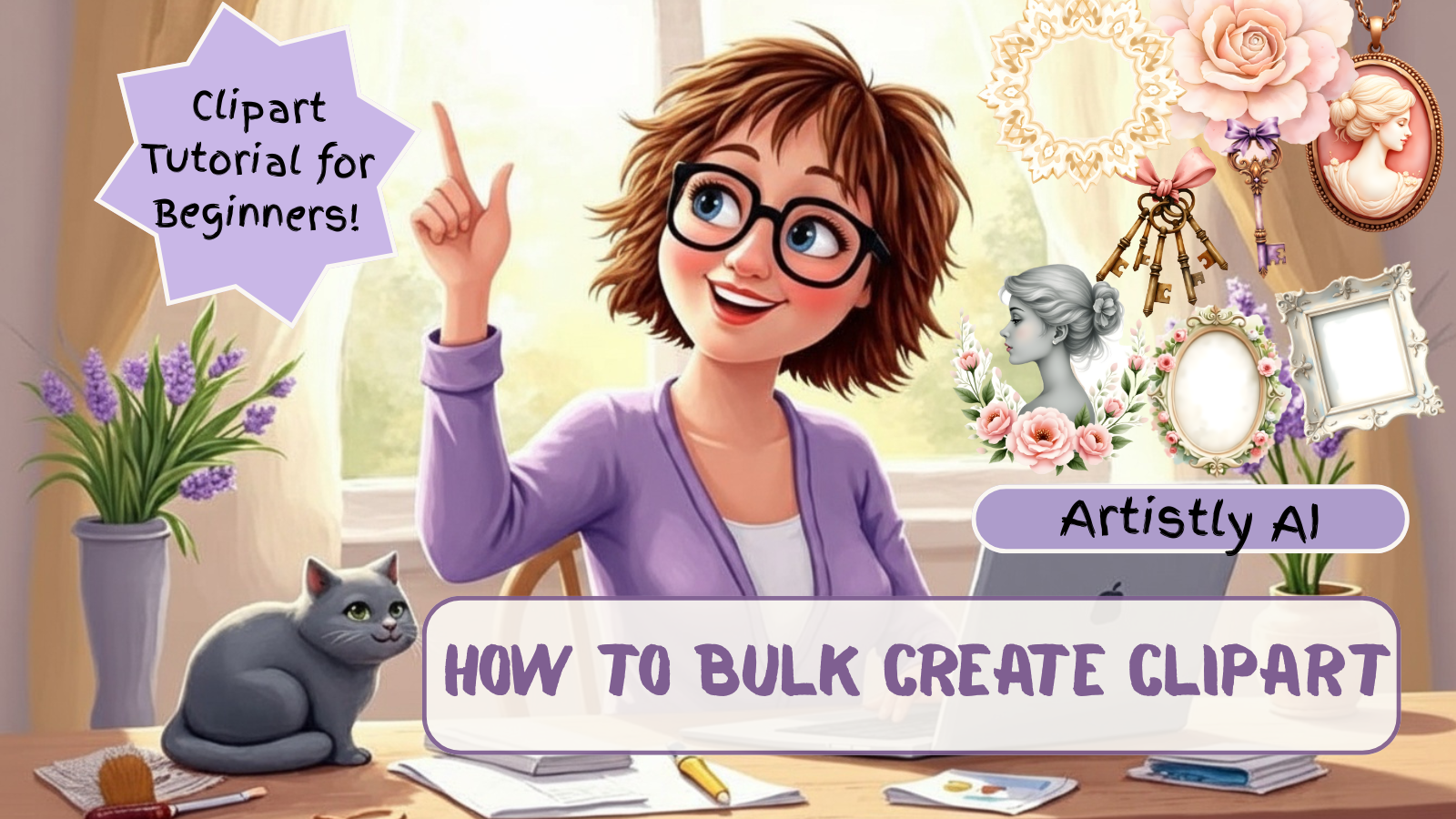
How to Create Clipart in Bulk With Artistly (Beginner-Friendly Tutorial)
Perfect for crafters, seniors & printable designers
Creating large, cohesive sets of clipart used to take hours — drawing, editing, resizing and exporting one image at a time.
But with the power of AI, you can now generate 50+ matching clipart pieces in minutes, even if you’re brand new to digital design!
In today’s tutorial on Granny Knows AI, I walk you step-by-step through how to use Artistly’s bulk generation mode to create beautiful, themed clipart quickly and easily.
Whether you make clipart for junk journals, stickers, planners, scrapbook kits, Etsy, Ko-fi, or your own creative projects… this workflow will save you so much time and unlock so much creativity.
💜 Why I Love Artistly for Beginners & Seniors
One of the reasons I recommend Artistly is because:
- The interface is simple
- The settings are minimal
- You can generate dozens of images in one click
- The results stay cohesive across a theme
- It works beautifully with prompts from your custom GPTs
If you’ve ever felt overwhelmed by complicated AI platforms, Artistly is a lovely, soft, easy way into AI art creation.
✨ What You’ll Learn in the Video
In the tutorial, I show you:
✔ How to choose the right “bulk” settings
Artistly has simple toggle-based options that let you pick:
- How many images you want
- The style you want
- The aspect ratio
- The batch size
✔ How to write clear, consistent prompts
I share simple prompt formulas that work beautifully with:
- Vintage themes
- Watercolor clipart
- Shabby chic
- Florals
- Holiday themes
- Junk journal aesthetics
✔ How to keep your clipart matching across a full set
Cohesion is everything when building a collection for Etsy or Ko-fi, and I show you the exact steps to keep colors, textures, vibes, and linework consistent.
✔ How to save, download & organise your images
Perfect for printable makers who want fast workflows.
🌸 Who This Tutorial Is For
This video is perfect if you are:
- A beginner who wants simple, clear steps
- A senior who needs slow-paced guidance
- A printable seller who wants to work faster
- A junk journal designer who needs cohesive sets
- Someone who wants to learn AI without the confusion
You don’t need tech skills, design skills, or expensive software. Just Artistly and a little curiosity!
🎀 Watch the Full Tutorial Here:
💜 Helpful Links & Resources
🎀 Try the Free Mini Muse Journal Kit Creator GPT:
https://tinyurl.com/2tr997wv
🎀 Digital Designer’s Club on Ko-fi (Full GPT FREE):
https://tinyurl.com/2smmszvv
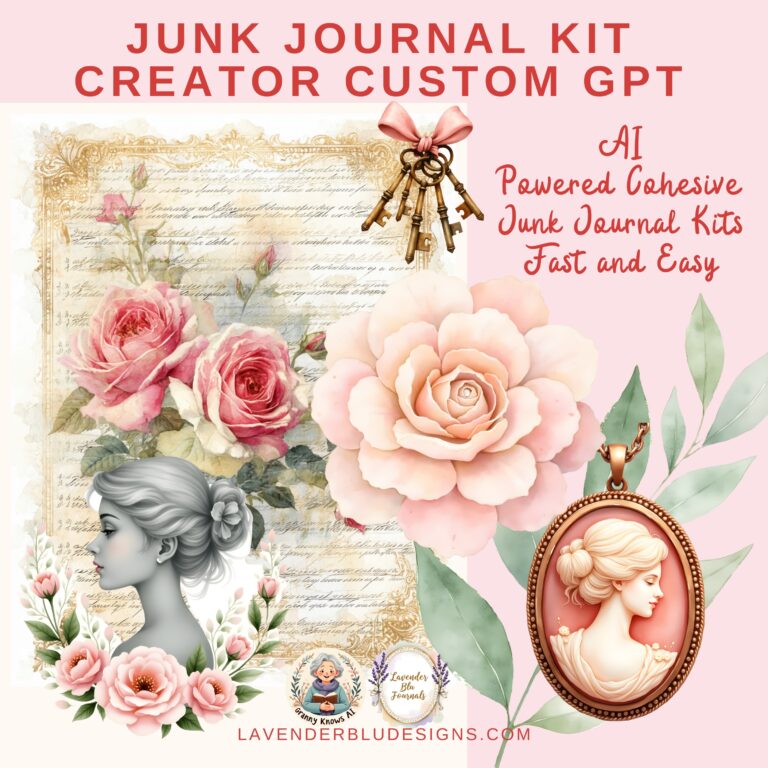
Junk Journal Kit Creator GPT:
https://tinyurl.com/mupbp5pt
Artistly:
https://paykstrt.com/48893/168893
Newsletter: https://tinyurl.com/3rmcmv4u
Facebook Page: https://tinyurl.com/7ps4rzae
Website: https://tinyurl.com/2ny6nknt
Instagram: @grannyknowsai